MacBook Air M1 vs MacBook Neo: 2020’s Icon vs 2026’s Upstart for Education
Both 13 inch laptops, designed to target the entry level, education market. One, a classic based on the super sleek and ultra slim profile, the other mark’s Apple’s entry into the affordable laptop segment, fighting tooth and nail against the likes of Chromebooks and Core 3 / Core 5 / Ryzen 3 / Ryzen AI 5 Windows Laptops. The question is can you get away with refurbished MacBook Air M1 or choose the new MacBook Neo for education.
If you’re a student shopping for a new laptop on a budget of around £600, you’ve likely stumbled upon what might be the most agonizing tech choice of 2026.
Refurbished (and Super Cheap) MacBook Air M1 or MacBook Neo
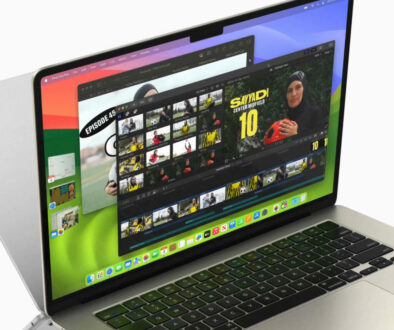
On one side, there’s a legendary device: the MacBook Air M1 (2020) . When it launched, it didn’t just break expectations, it shattered them, proving that Apple’s own silicon could deliver pro-level performance in a fanless, ultra-portable body. It became the default recommendation for students everywhere, and for good reason. Even today, five years later, its name carries weight. You can find it on the used and refurbished market, tempting you with the allure of a once-premium machine at an affordable price.
But on the other side, there’s a brand-new contender: the MacBook Neo (2026) . Apple’s latest budget offering isn’t trying to be a retro hero. It’s a forward-looking machine, built from the ground up around the blisteringly fast A18 Pro chip, the same silicon that powers the iPhone 16 Pro. It’s priced aggressively at £599 brand new (or £499 from Education Store), promising a modern experience with a full warranty and a design philosophy centered on the next generation of computing.
This isn’t just a comparison of specs; it’s a philosophical debate about value. It’s Proven Legacy vs. Fresh Ambition. It’s asking whether you should buy a piece of Apple history, or invest in its vision for the future. For a student, whose laptop needs to survive not just freshman year but an entire degree, the stakes couldn’t be higher. Do you gamble on a used icon, or put your trust in a brand-new upstart? Let’s break it down.

Support Status: Is the M1 MacBook Air Still Supported in 2026?
Let’s get the hard question out of the way first: Is the MacBook Air M1 still relevant, 6 years on? I am tying this article on the first generation Mac mini to be based on Apple’s first silicon for desktop, the M1. This was their ‘preview’ device before the chip found its way into MacBook Air and MacBook Pro 13 with Touch bar (remember those?). It is still a very capable chip,
Yes, the M1 MacBook Air is still fully supported, but with a crucial caveat regarding future features.
Current OS Support: The M1 MacBook Air is compatible with the latest macOS Sequoia (15.x) and will also support the upcoming macOS 26 “Tahoe” . This means it will receive the next major OS update.
Security Updates: Apple has committed to providing security updates for supported devices for years after the last major OS release. The M1 Air will be in a good place for security for the foreseeable future .
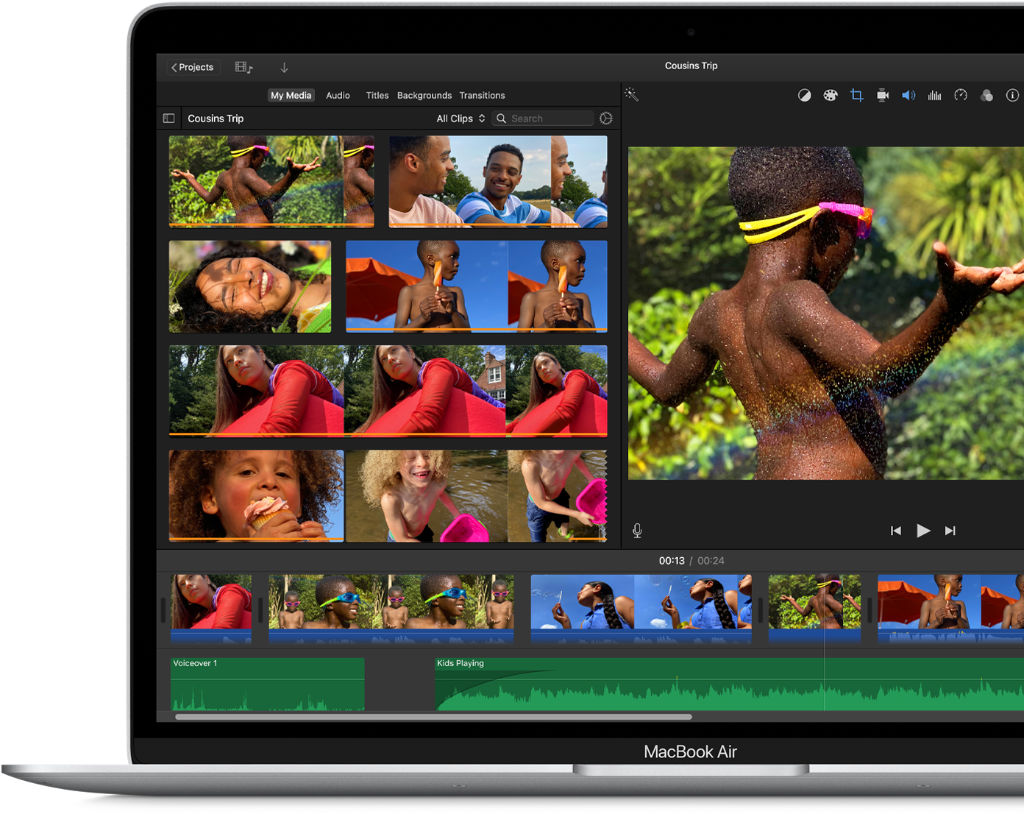
The “Apple Intelligence” Factor: This is the most important distinction. While the M1 chip is technically capable of running Apple Intelligence, it is on the lower end of the compatibility spectrum . It will support the basic features (like notification summaries and writing tools). However, because it’s an older chip with a less powerful Neural Engine (11 TOPS vs. A18 Pro’s 35 TOPS) , it may struggle with more advanced, on-device AI tasks in the future. The experience will be functional but not as fluid or capable as on the A18 Pro or newer M-series chips.
The Disadvantage Slower (or Limited) Apple Intelligence
For a student buying a laptop in 2026, not having full or smooth Apple Intelligence support can be a significant disadvantage. Apple Intelligence is not just another app; it’s being baked into the core of macOS. Here’s what an M1 user can still enjoy, features as I have on my M1 based Mac mini. However, they may find the experience a little slower compared to MacBook Neo:
- Writing Tools Everywhere: The ability to have the system rewrite, proofread, and summarize text in any app (Mail, Notes, Pages, even third-party apps) will be a massive time-saver for essays and assignments. On an M1, this may take a few more seconds or lack some advanced features .
- Siri 2.0: The new Siri, with its deep understanding of your context and ability to take hundreds of new actions across apps, relies heavily on the latest Apple Silicon. The experience on an M1 will likely be the older, more limited Siri .
- Image Playground and Genmoji: For creating unique images for presentations or just having fun, these features are designed for the latest chips. This is available on M1 but could be faster.
- Priority Notifications & Summaries: The AI that automatically summarises your notifications and prioritises what’s important will be a core part of the OS. The M1’s older chip still supports this but may not handle this as efficiently.
In short, by choosing an M1 Air, you are buying a device that will be stuck in the “past” of macOS, while the Neo is built for its future.

Price Comparison: New vs. Used/Refurbished
This is where the comparison gets tight.
- MacBook Neo (2026): Brand new, with a full warranty, costs £599 (or £499 with education discount).
- Refurbished MacBook Air M1 (2020): From Apple’s own refurbished store, an M1 Air costs from £375. This is way cheaper than the new Neo.
- Used MacBook Air M1 (2020): The used market is where the price might be competitive. You could potentially find an M1 Air for around £295. However, this comes with risks like battery health, unknown history, and no warranty .
Key takeaway: A certified refurbished M1 Air is actually around 200 cheaper than a brand new MacBook Neo. If you have to buy a used machine from a private seller, which is a gamble for a student, be sure to check the system thoroughly. Look into its battery health, keyboard functions and screen.
Detailed Specification Showdown
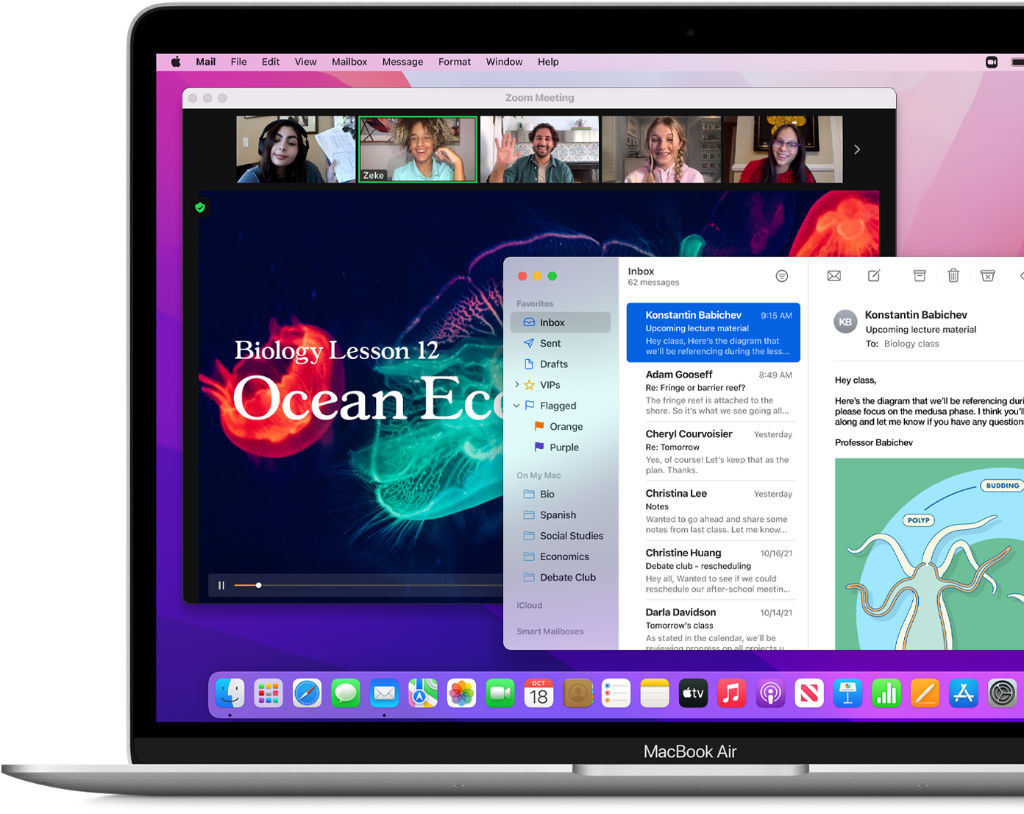
To visualise the trade-offs, here is a head-to-head comparison of a new MacBook Neo vs. a used/refurbished M1 MacBook Air at a similar price point.
| Feature | MacBook Neo (2026) – NEW | MacBook Air 13″ M1 (2020) – USED/Refurbished | The Verdict for a Student |
|---|---|---|---|
| Price | £599 (Brand New) | £295 (Used, no warranty) / £375 (Refurbished – Third Party) | M1 Air wins on value. You get a used or refurbished M1 Air for less money. |
| Chip | A18 Pro | Apple M1 | Neo wins. The A18 Pro is faster in single-core tasks and has a much more powerful AI engine (35 vs 11 TOPS). |
| Apple Intelligence | Full support from day one. Built for future AI features. | Basic/Limited support. Will run initial features but may struggle with future updates . | Neo wins decisively. This is a future-proofing advantage for a 3-year degree. |
| Display | 13.0″ Liquid Retina (sRGB) | 13.3″ Liquid Retina (P3 Wide Color) | M1 Air wins slightly. Its display supports the P3 wide color gamut, which is better for media students . |
| Ports | 2x USB-C (USB 3 + USB 2) | 2x Thunderbolt / USB 4 | M1 Air wins. Thunderbolt support offers vastly more expandability for high-speed storage and external displays . |
| Keyboard | Magic Keyboard (no backlight on base model), Touch ID on 512GB model | Magic Keyboard (backlit), Touch ID | M1 Air wins. The backlit keyboard is a standard feature, which is a huge help for late-night studying. |
| Battery Life | Up to 16 hours video playback | Up to 18 hours video playback | M1 Air wins slightly. Still offers excellent battery life but be sure to check battery health of used units. |
| Warranty/Support | 1-year full Apple warranty. Option to buy AppleCare+. | None (if used) or 1-year (if Apple refurbished). | Neo wins. Peace of mind is invaluable for a student. |
| Physical Condition | Brand new, pristine. | Scratches, potential battery wear, unknown history. | Neo wins. No question. |
Apple M1 chip vs Apple A18 Pro Benchmarks
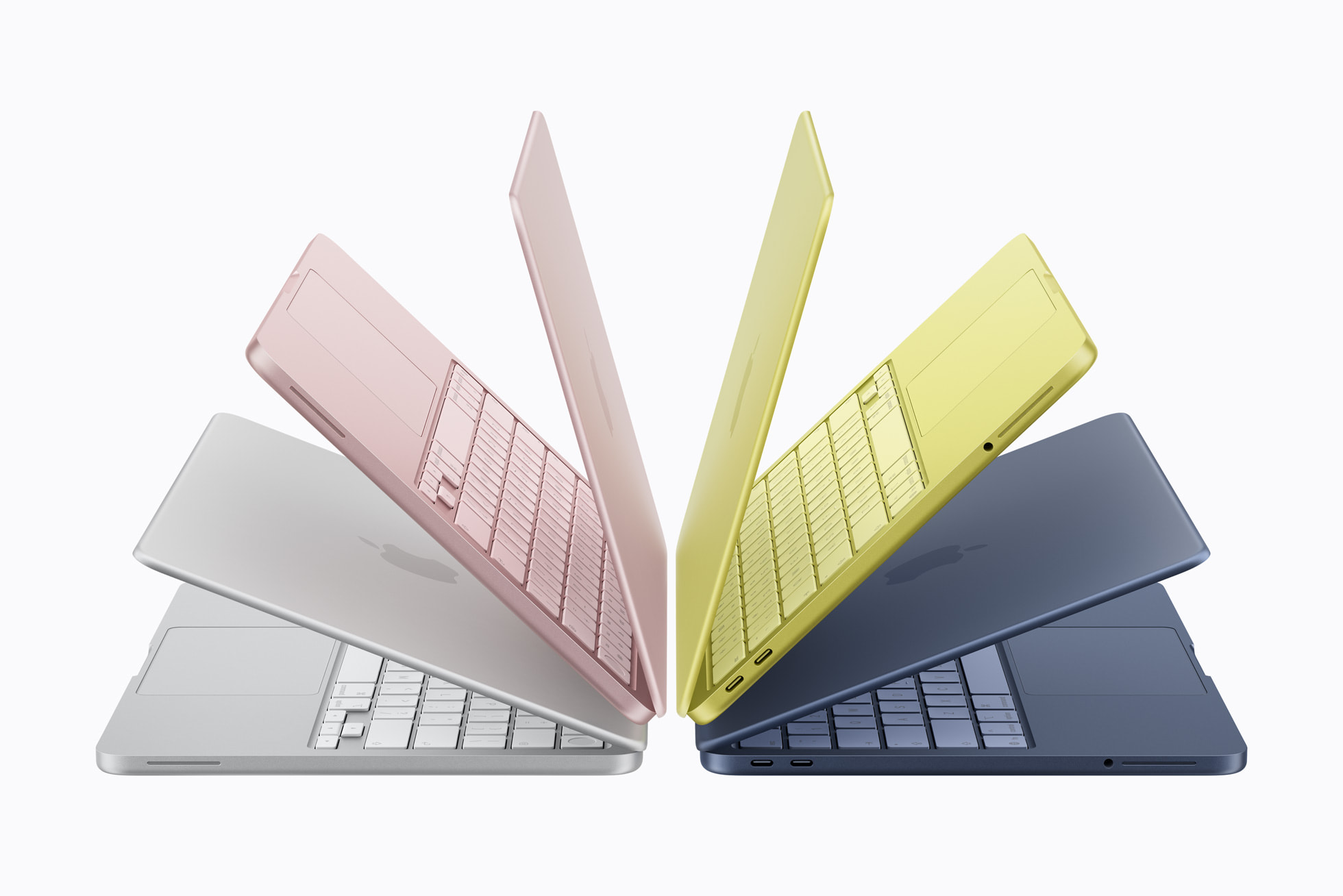
We let the raw benchmark figures tell the story when comparing the performance between the two chips.
Geekbench 6 CPU Performance
The most frequently cited benchmarks show a clear story: the A18 Pro dominates in single-core speed, while multi-core performance is essentially a tie.
| Benchmark | Apple M1 | Apple A18 Pro | Performance Difference |
|---|---|---|---|
| Geekbench 6 Single-Core | 2,320 – 2,421 | 3,409 – 3,527 | A18 Pro is ~45-50% faster |
| Geekbench 6 Multi-Core | 8,576 – 8,838 | 8,492 – 9,089 | Virtually neck-and-neck (A18 Pro has a slight edge in some tests) |
As one analysis put it: “In single-core performance, the smartphone chip is faster… In multi-core performance, the two are neck-and-neck.”
Other Key Benchmarks
Beyond CPU speed, the chips differ significantly in other areas that matter for modern computing:
| Metric | Apple M1 | Apple A18 Pro | Analysis |
|---|---|---|---|
| AI Performance (NPU) | 11 TOPS | 35-38 TOPS | A18 Pro is over 3x faster for AI tasks (Apple Intelligence) |
| GPU Floating Point (GFLOPS) | ~2,600 (estimated) | 3,589 GFLOPS | A18 Pro GPU is ~38% faster raw compute |
| Process Technology | 5nm | 3nm (second generation) | More efficient, denser transistors |
| Memory Bandwidth | ~68 GB/s | 60 GB/s | M1 slightly higher, but A18 Pro uses faster LPDDR5X |
| Hardware Features | Basic media engine | Ray tracing, AV1 decode, ProRes engines | Modern media capabilities absent in M1 |
Real-World Context
Single-Core Dominance: The A18 Pro’s ~3,500 single-core score puts it in the ballpark of the M4 chip . This means everyday tasks like opening apps, browsing, and document editing feel snappier on the Neo.
Multi-Core Parity: The M1 holds its own in multi-core thanks to its two additional CPU cores . For sustained heavy workloads (like video exporting), the M1 in a laptop chassis may even have a slight thermal advantage.
AI Future-Proofing: The A18 Pro’s 35+ TOPS Neural Engine is the key differentiator. It is fully built for on-device “Apple Intelligence,” while the M1’s 11 TOPS puts it at the bottom of the compatibility list .
Summary: The A18 Pro offers dramatically faster single-core speed and modern AI/graphics features, while matching the M1’s multi-core performance. It is a more future-ready chip, especially for AI-driven experiences.

Which is Better for Education?
For a student making a purchase in 2026, the MacBook Neo is the smarter and safer choice.Here’s why:
- Future-Proofing is Critical: You need this laptop to last through your entire degree (3+ years). The Neo is built for the future of computing (Apple Intelligence), while the M1 Air is already at the tail-end of its feature-support lifecycle .
- “New” Matters: For the same money, getting a brand-new device with a full warranty, a pristine battery, and the latest design is almost always better than buying a 5-6 year old used device with potential wear and tear.
- Performance for the Core Task: The A18 Pro chip is significantly more responsive for the everyday tasks a student does—juggling 20 browser tabs, writing essays, and using productivity apps. It will feel snappier and more modern .
The only student who should consider an M1 Air is:
- A media or design student who absolutely needs the slightly better color-accurate (P3) display .
- AND who can find a mint-condition, cheap used model (under £500) and is comfortable with the risk of no warranty and limited future AI features.
For everyone else—the English lit major, the future lawyer, the biologist, the undecided freshman—the MacBook Neo is the clear winner. It offers a modern, supported, and future-ready platform at an unbeatable price.